Remote Access Tools
Secure, reliable remote desktop solutions to connect from anywhere


HelpWire RemoteTool
HelpWire
Как получить удаленную поддержку:
Свяжитесь со службой поддержки: Позвоните/отправьте SMS на номер 718-975-7590, указав номер вашей заявки.
Перейдите по ссылке: Откройте ссылку, отправленную по SMS/электронной почте.
Предоставьте разрешения: Разрешите доступ к экрану/аудио.
Получите помощь: Специалист окажет удаленную помощь.
Завершите сеанс: Специалист завершит работу по завершении.
Download for:

Acronis Quick Connect
Acronis Quick Connect
- Download Acronis Quick Assist application and launch it.
- Launch the app. This application is a portable executable so installation is not required (you can just launch it once it is downloaded).
- Once ready, provide your Acronis Support representative "Computer ID" and "Access Code":
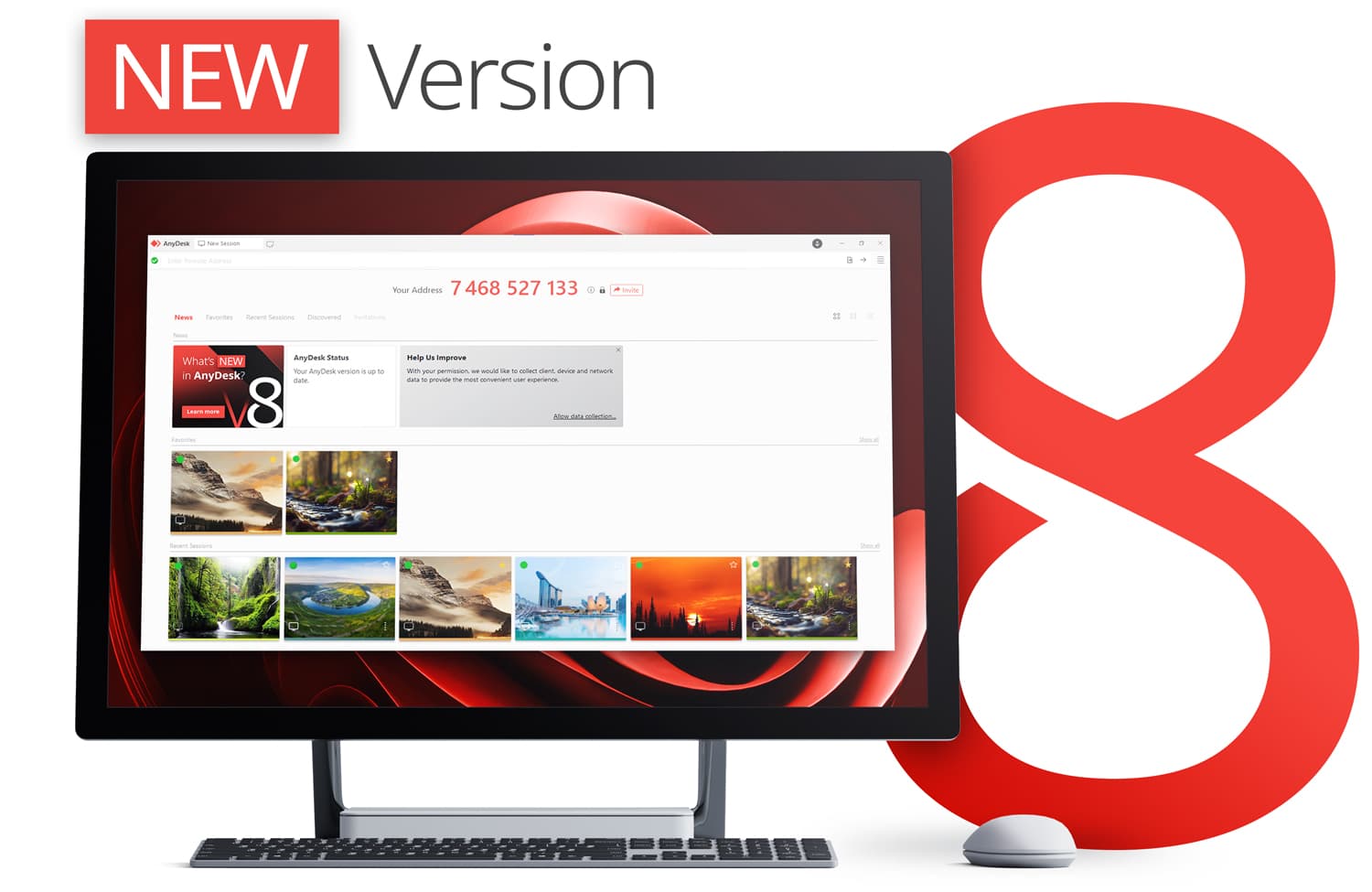

Инструмент удаленного доступа AnyDesk
Anydesk
Как получить доступ к удаленному клиенту
1. Нажмите «Загрузить Anydesk» ниже, чтобы загрузить и установить приложение.
2. Запустите приложение после установки и укажите технической поддержке Drensys «Ваш адрес».
3. Нажмите «Принять», чтобы разрешить специалисту Drensys подключиться к вашему удаленному устройству.